
Calendar
Website Building (no-code) with AI
1, 8 and 15 October · Rogil
From hours behind the screen with no result to a live website within a day
"In this workshop, I'll share what I've learned about finding the balance: using AI to make the process easier, while maintaining your own ideas, creativity and authentic voice."
- Jaimey (teacher)
Learn how to build your own website without writing code, using AI and no-code tools.
In this practical three-part workshop, you'll go from a blank screen to a complete website that you can publish yourself. You'll learn the fundamentals of good web design, how to use AI as a creative tool, and how to turn your ideas into a professional website.
The focus is not on complicated technology, but on learning practical digital skills you can continue using long after the workshop.
Dates & location
Rogil, Portugal
The workshop
This is a small-group, hands-on course. You won't just watch someone build a website, you'll work on your own project throughout the lessons, with personal guidance along the way.
Whether you're a creative, freelancer, entrepreneur or simply have an idea for a website, the course is designed to give you the confidence and skills to build it yourself.
You make your own website that you can also publish.
Small group, hands-on guidance.
What you'll leave with
By the end of the three lessons, you will:
- Understand the basics of UX and website structure
- Know how to use AI for content, design and website development
- Be able to build websites without code
- Know how to write effective prompts
- Have created your own website
- Be able to publish and continue developing your website independently
Teacher
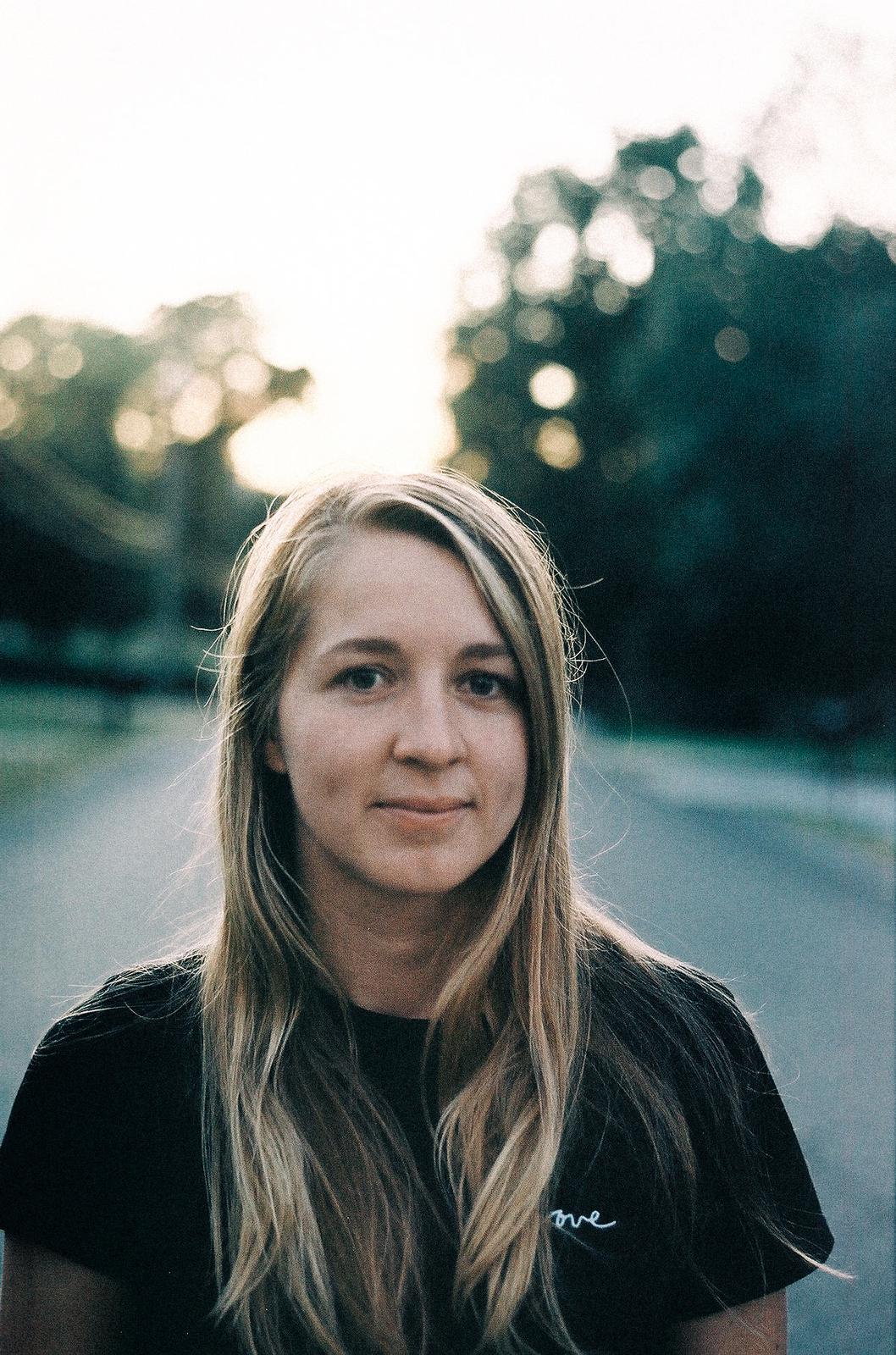
Jaimey Groot
Webdesigner and filmmaker
Jaimey combines web design, filmmaking, visual communication and AI to help creatives turn ideas into digital projects.
She has been working in education since 2017, with a background in filmmaking and has been building websites for her own projects for years. Since this year she works with no-code tools and AI, which makes building much faster while still creating websites that feel personal, creative and authentic. I’ve created websites for businesses including Trigo Vermelho, Allswell Family Farm, Cée Wellbeing and artist Bob Groen.
In this workshop, I’ll share what I’ve learned about finding that balance: using AI to make the process easier, without losing your own ideas and creative voice.
Jaimey Groot
What you'll learn
UX basics
Understand how people use websites and how to create a clear, intuitive experience for your visitors.
Build your website structure
Learn how to plan your pages, content and navigation before you start building.
AI for content and design
Learn how to use AI to develop ideas, write and improve content, create design directions and work more efficiently.
Website building without code
Work with modern no-code tools to turn your ideas into a functional, professional website without needing to learn programming.
Write better prompts
Learn how to communicate effectively with AI so you can get better, more useful results and build more advanced websites independently.
Publish your website
By the end of the course, you'll have built your own website and learn how to publish it live.
My approach to AI & creativity
The best ideas need time to take shape. Before building, I like to leave space to think, visualise and explore, because I believe in authentic creations that come from your own ideas, taste and perspective.
AI doesn’t replace that. It works best when you have a strong idea and know how to communicate it. I want to teach you how to find that balance: when to use AI, how to guide it, and how to turn your ideas into something real.
Shaping your workflow
The time this takes is different for every person and every project. Used at the right moment, AI can speed up the technical and repetitive parts, helping you stay in your creative flow and create more.
I’m still experimenting with this myself. The tools are developing incredibly fast, and now that they’re in our hands, we get to decide how we want to use them.
It’s about finding your own workflow, balancing the speed of AI with the time and care needed to develop a specific, personal idea. Knowing when to slow down and when to bring AI into the process is part of the creative skill I’m still exploring myself.
Investment
€180
for the complete three-part course
Paying in instalments is possible: 2 x €90 or 3 x €60.
Small group, practical guidance and your own website as the final result. As a bonus you will get prompts to take home.
What you need
- A laptop with at least Intel Core i5 (10th gen or newer) or equivalent AMD Ryzen 5
- 8 GB RAM minimum - 16 GB recommended
- Windows 10/11 or macOS
- A recent version of Chrome, Edge or Safari
- An email address you have access to, we'll use this to create the accounts on the software needed during the workshop.
- No coding experience required. Not sure if your laptop meets the requirements? Just send me a message and I'll help you check.
Want to know more?
Get in contact